CPU Cores Kept for Your Business
Your cores are dedicated to your VPS rather than oversold, so order processing, image resizing and report generation run at a steady pace even when other customers on the same hardware are busy.


A virtual private server is the most cost-effective way for a Malaysian business to get its own server. Each Malaysian Host VPS runs on KVM and comes with dedicated CPU cores, dedicated RAM and SSD storage, a dedicated IPv4 address and full administrative access. It behaves like a computer that belongs to you, so a busy neighbour cannot slow down your checkout during a 11.11 sale.
Plans run from 1 to 16 cores and 2 to 32 GB of RAM, each with 50 GB of storage and between 1,000 and 6,000 GB of monthly traffic, starting at US$22.95 per month. Choose Linux for websites and online stores, or Windows when your accounting or inventory software needs it. Because the server sits in Malaysia, local shoppers and staff get quick responses without paying for a full dedicated machine.
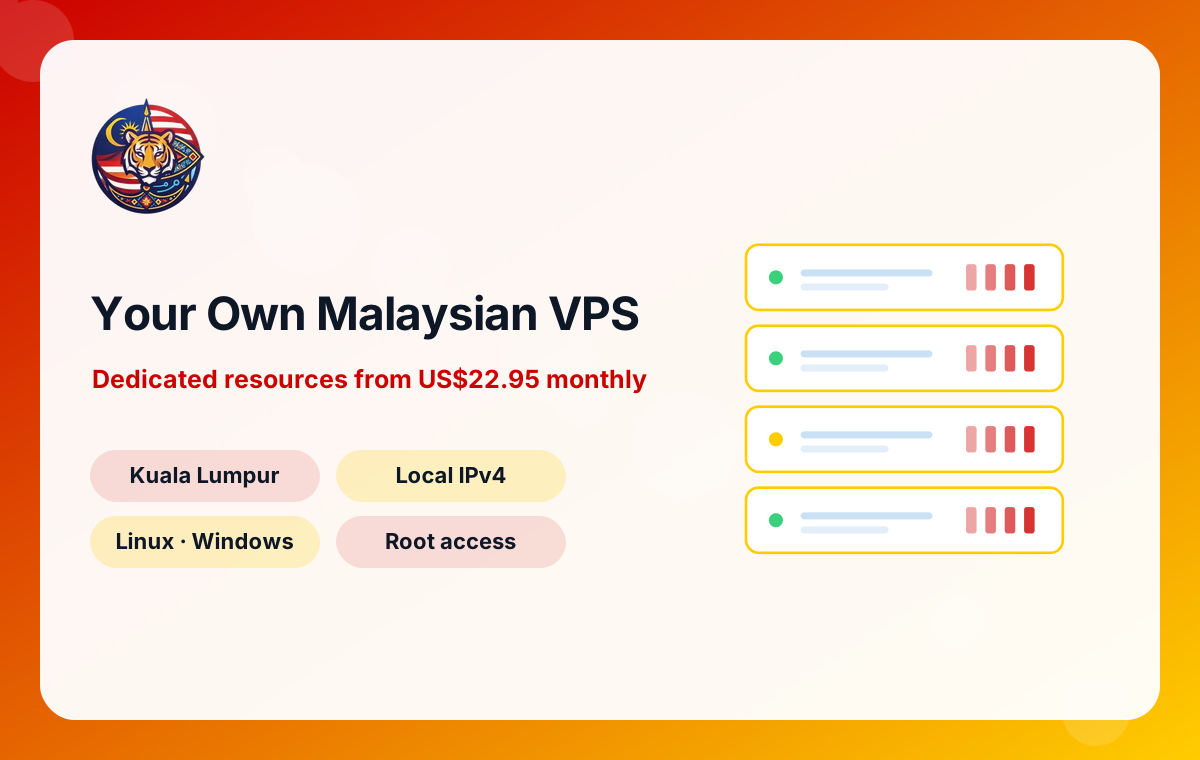
Every plan runs on KVM with dedicated CPU cores and RAM in Kuala Lumpur, an IP address registered to Malaysia, and your choice of Linux or Windows Server.
| CPU Cores | Dedicated RAM | SSD Storage | Traffic | Operating System | Monthly Price | Order |
|---|---|---|---|---|---|---|
| 01 | 2 GB | 50 GB | 1000 GB | Linux / Windows | US$22.95 | Order |
| 02 | 4 GB | 50 GB | 2000 GB | Linux / Windows | US$39.95On sale - Save 21% | Order |
| 04 | 8 GB | 50 GB | 3000 GB | Linux / Windows | US$69.95On sale - Save 25% | Order |
| 08 | 16 GB | 50 GB | 4000 GB | Linux / Windows | US$99.95On sale - Save 17% | Order |
| 08 | 32 GB | 50 GB | 5000 GB | Linux / Windows | US$149.95 | Order |
| 16 | 32 GB | 50 GB | 6000 GB | Linux / Windows | US$199.95 | Order |
Your cores are dedicated to your VPS rather than oversold, so order processing, image resizing and report generation run at a steady pace even when other customers on the same hardware are busy.
Each plan includes 50 GB of SSD storage, which keeps product databases, search queries and admin dashboards quick. Store large media archives off-server and keep the SSD for what customers request most.
A dedicated IPv4 address belongs to your VPS alone. That helps with SSL setup, mail reputation for your own domain and whitelisting by payment gateways, couriers or office firewalls that only accept known addresses.
Full administrative access lets you install any control panel, language runtime or business tool you need. There is no ticket queue between you and a configuration change, which suits agencies and hands-on owners.
Pick Linux for WordPress, WooCommerce and most web stacks, or Windows for desktop-style business software and .NET applications. The same plan sizes are available, so the decision is about your software, not the price list.
Monthly traffic ranges from 1,000 to 6,000 GB depending on the plan. That covers typical SME websites with plenty to spare and gives larger stores room for product images, video clips and campaign spikes.
Think of a physical server as a shophouse. Shared hosting is like renting a desk in an open-plan office where everyone shares the same electricity, internet and printer. A VPS is like renting your own lot inside that shophouse: you have your own door, your own meter and your own fixtures, even though the building is shared.
Technically, KVM virtualisation splits a powerful host machine into isolated virtual servers. Each one gets a fixed allocation of CPU cores, RAM and SSD storage and runs its own operating system. Your VPS can be restarted, reinstalled or reconfigured without affecting anyone else, and their problems do not spill onto you.
For a small business this means three things. First, predictable performance, because your resources are dedicated. Second, freedom, because you have full administrative access to install what you need. Third, cost control, because you pay for a fraction of a server rather than a whole machine. When the business grows, you move to a larger plan or a dedicated server instead of rebuilding from scratch.
The plan range covers 1 to 16 CPU cores and 2 to 32 GB of RAM. Here is how Malaysian customers usually map those resources to real work. Treat it as a starting point and watch your usage for the first month.
One or two cores with 2 to 4 GB of RAM comfortably run a company profile site, a small WooCommerce shop, a booking form or a lightweight internal app. This is where most sole proprietors and new online sellers begin.
Four to eight cores with 8 to 16 GB of RAM give headroom for a store with thousands of products, several client websites under one control panel, or a Windows VPS running business software for a few users at once.
Plans reaching 16 cores and 32 GB of RAM handle large databases, search indexing, many concurrent shoppers and agencies hosting dozens of active sites. Beyond this point, compare the cost with an entry dedicated server, which may give you more storage for a similar budget.
Your choice of operating system should follow the software you plan to run, not habit.
If you mainly need a shared Windows desktop for staff rather than a server, our RDP plans are a simpler fit. If you are unsure, start with Linux for anything web-facing; you can always add a separate Windows VPS for office software later rather than forcing both jobs onto one machine.
Malaysia's customers are spread across two land masses, and many still shop over mobile data. Hosting your VPS in Malaysia keeps network paths short for buyers in Kuala Lumpur, Penang, Johor Bahru, Kuching and Kota Kinabalu alike, compared with a server on another continent.
Short paths matter most for the parts of a site that cannot be cached: logging in, adding to cart, applying vouchers and paying. Every one of those steps needs a fresh answer from your server. Shaving time off each round trip makes checkout feel smoother and reduces the chance of a customer giving up.
A Malaysian server is also a sensible base for nearby markets. If you ship to Singapore, Brunei or southern Thailand, those customers are still much closer to Malaysia than to a server in Europe or North America. For static files such as product photos, you can add a content delivery network on top, while keeping your database and checkout on your own VPS at home.
A VPS is not only for websites. Malaysian sellers use theirs for a surprising range of jobs:
Because you have full administrative access, adding one of these later is just a matter of installing software. Keep an eye on memory usage as you add jobs, and upgrade your plan before the server starts to struggle.
Full control also means full responsibility. A freshly delivered VPS should be secured before you put customer data on it. These steps take less than an hour and prevent most common problems.
Write down what you changed. When a new staff member or agency takes over, that short record saves hours of guesswork.
Growth rarely arrives smoothly. A viral TikTok video or a mega sale weekend can multiply traffic overnight. The good news is that a VPS gives you several ways to respond.
The simplest step is upgrading to a plan with more cores and RAM. This suits stores whose database and PHP workers are running out of memory under load. Plan ahead for big campaigns and upgrade a few days before, not during, the rush.
Larger sites can separate the database onto its own VPS, or move background jobs such as image processing and email sending to a second server. This keeps checkout responsive while heavy tasks run elsewhere.
When your needs exceed the largest VPS plan or you need much more storage, a dedicated server in Kuala Lumpur or Cyberjaya is the next step, with options up to 128 GB RAM.
Many SMEs start on cheap shared hosting abroad and move once the site matters to revenue. A careful move avoids lost orders and broken email.
Email deserves extra care. Copy mailboxes with an IMAP sync tool and update MX records only when the new mail server is ready.
Each VPS plan includes between 1,000 and 6,000 GB of monthly traffic. That is a lot for a typical SME site, but it is worth understanding what consumes it.
Every page view sends HTML, scripts, fonts and images to the visitor. A product page with several large photos might weigh 2 to 3 MB if images are not optimised, or under 1 MB if they are. Multiply by monthly page views and you get a rough traffic figure. Backups copied off the server, software downloads and API calls to marketplaces also count.
Simple habits keep usage modest:
If you consistently approach your allowance, that is usually also a sign that a larger plan with more resources would serve the business better.
Ordering is straightforward. Choose a plan size, pick Linux or Windows, and complete checkout. Prices start at US$22.95 per month and are listed in US dollars. You can pay by cryptocurrency, Visa, Mastercard, PayPal or bank transfer, which suits both card-paying sole traders and companies whose finance team prefers transfers.
Services are provisioned and supported through the ServerSlot platform. After ordering, you manage your VPS, invoices and support tickets in the client area at control.serverslot.com. Login details for your new server are provided there.
If you have questions before buying, such as which plan suits your store or whether your software runs on Linux, open a ticket from the client area or email info@serverslot.com. Describe your site, expected visitors and the software you use, and the answer will be far more useful than a generic recommendation.
VPS plans start from US$22.95 per month. Prices rise with the number of CPU cores, the amount of RAM and the monthly traffic allowance. All prices are listed in US dollars and you can pay by cryptocurrency, Visa, Mastercard, PayPal or bank transfer through the client area.
No. Each VPS runs on KVM virtualisation with dedicated CPU cores, dedicated RAM and SSD storage. Other virtual servers on the same host cannot borrow your allocation, which keeps performance predictable during busy sales periods when steady response times matter most.
A new store with a modest catalogue usually starts well on an entry plan with one or two cores and a few gigabytes of RAM. Once you have hundreds of daily orders, several plugins or a large catalogue, move to a middle plan with four or more cores and more memory.
Yes. You can choose Windows instead of Linux on the VPS plans. That lets you run Windows-only accounting, inventory or point-of-sale back office tools, and staff can connect through Remote Desktop. For a simple shared desktop, an RDP plan may be easier.
Yes. Each VPS includes a dedicated IPv4 address. Having your own address helps with SSL certificates, email sending reputation for your domain, and services such as payment gateways or office firewalls that need to whitelist a fixed IP.
Each plan includes 50 GB of SSD storage. Monthly traffic allowances range from 1,000 GB to 6,000 GB depending on the plan you choose. Optimising product images and using browser caching helps a typical SME site stay well within its allowance.
Some basic knowledge helps, because you receive full administrative access and are responsible for the server. Many business owners install a web control panel to manage sites and email through a browser, or ask their web agency or freelancer to look after updates and backups.
Yes. You can move to a larger plan with more cores and RAM as your traffic grows. Request the change through the client area. If you eventually outgrow the largest VPS, our dedicated servers in Kuala Lumpur and Cyberjaya are the natural next step.
Tell us where your users are and what you plan to run. An engineer will reply with a recommendation through the ticket system.
We use essential cookies to run this site and remember your settings. With your consent we also use optional cookies for analytics. Read our privacy terms.